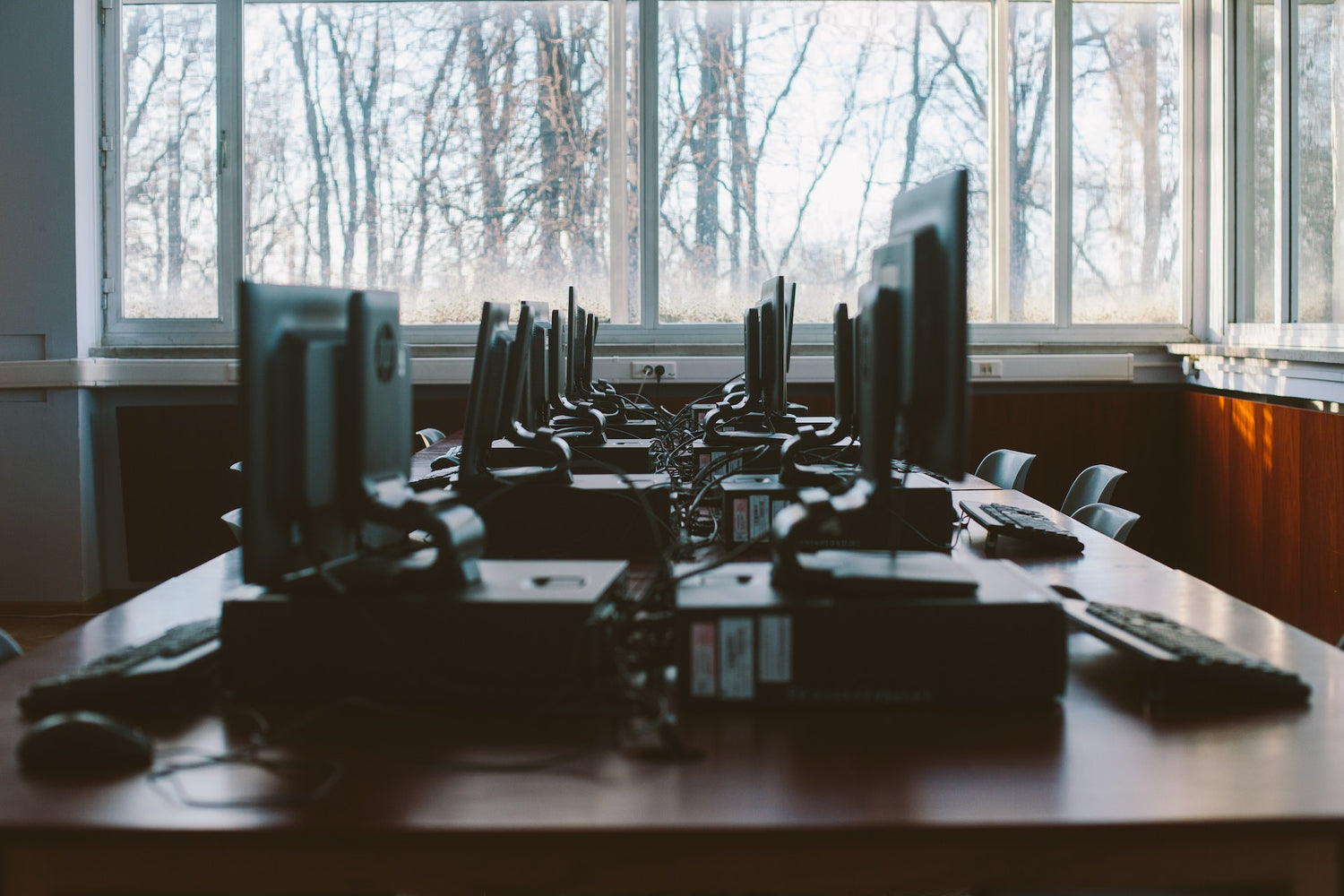

Modern workplaces depend on computers for almost every task. Employees spend hours reading emails, preparing reports, attending online meetings, analysing data, and managing business operations. While technology helps improve productivity, spending long hours in front of a screen can also cause eye strain, headaches, dry eyes, and general discomfort.
This is why companies are paying more attention to employee comfort when choosing office equipment. A good monitor is no longer just a screen for displaying information. It is an important part of creating a comfortable and productive workplace.
Lenovo desktops and monitors are gaining attention in corporate environments because selected models offer features such as low blue light technology, flicker-free viewing, anti-glare screens, and adjustable stands. These features can help make long working hours more comfortable when combined with healthy screen habits and proper workstation setup.
For businesses looking for Lenovo monitors at wholesale in Dubai, choosing the right display can support both employee needs and long-term IT planning. At Cap Computer, we list a range of Lenovo office monitors, from 18.5-inch to 27-inch screens, and help businesses match them to workplace requirements, budgets, and purchasing needs.
Why Eye Comfort Is Becoming a Corporate Wellness Priority?
Corporate wellness is no longer limited to fitness activities, health insurance, or occasional employee engagement programmes. Businesses are also looking at the everyday working conditions that affect employee comfort.
For office employees, screen time is a major part of the working day. Employees who work with spreadsheets, customer records, design software, or financial reports may spend several hours looking at the same display.
Poor screen positioning, glare, small text, and unsuitable brightness can make this experience uncomfortable. Some employees may notice tired eyes, blurred vision, headaches, or difficulty focusing after extended screen use.
Companies can address some of these problems by improving their workstations. This includes selecting suitable monitors, adjusting desk layouts, providing proper lighting, and encouraging regular breaks.
How Low Blue Light Technology Supports Comfortable Viewing?
Blue light is part of the visible light spectrum. Digital displays produce blue light as part of the light used to create images and text. Normal screen use is not automatically harmful, but extended viewing can contribute to discomfort for some people.
Low blue light technology aims to reduce the amount of blue light emitted in certain wavelengths. Depending on the monitor, this may be achieved through hardware design, software settings, or other display technologies.
Lenovo offers monitors with different low blue light solutions, although the exact features vary by model. Some displays also carry certifications that indicate they meet particular testing requirements for eye comfort or blue light reduction.
For businesses, the potential benefits include:
- More comfortable viewing
- Flexible display settings
- Support for varied tasks
- A more considered workstation
Flicker-Free Technology: A Better Experience for Long Working Hours
Screen flicker is another factor that can affect viewing comfort. Some monitors use brightness control methods that create rapid changes in light output. Although these changes may not always be visible, they can contribute to discomfort for sensitive users.
Flicker-free technology is designed to reduce or eliminate the types of screen flicker covered by the monitor's design and testing. It can be particularly useful in offices where employees spend much of their day working on computers.
Some Lenovo ThinkVision models combine low blue light and flicker-free features. For example, the Lenovo ThinkVision S24-4e listed by Cap Computer includes both features, along with a Full HD IPS panel.
Anti-Glare Screens and Proper Lighting Make a Difference
Even a monitor with eye-comfort technology may become uncomfortable when light reflects directly off the screen. Glare from windows, overhead lights, or nearby lamps can make text difficult to read and encourage employees to change their posture to see the display clearly.
Anti-glare screens help reduce distracting reflections. This can make reading documents and viewing information easier in many office settings.
Businesses should consider these practical steps when setting up workstations:
- Position monitors away from direct sunlight wherever possible.
- Avoid placing bright lights directly behind or in front of screens.
- Adjust screen brightness to match the surrounding environment.
- Keep screens clean to maintain image clarity.
- Use curtains or blinds when sunlight creates strong reflections.
Why Lenovo ThinkVision Monitors Suit Corporate Workstations?
Different employees have different display needs. An accountant may spend most of the day reviewing financial reports, while a designer may require accurate colours and additional screen space. Customer service teams may need a clear display for communication tools and customer records.
Lenovo ThinkVision S22e-20
A 21.5-inch Full HD VA monitor with TÜV Eye Comfort certification, HDMI and VGA connectivity, and a tilt stand. It can suit everyday office tasks where clear text and a compact workstation are priorities.
Lenovo ThinkVision S24-4e
This 23.8-inch Full HD IPS monitor offers TÜV Low Blue Light, flicker-free technology, and a 100Hz refresh rate. It is an option for employees who need a larger workspace for documents, browser tabs, and everyday business applications.
Lenovo ThinkVision T25d-10
This 25-inch WUXGA IPS monitor offers a 1920 × 1200 resolution, a 16:10 aspect ratio, and a height-adjustable stand. The additional vertical screen space can be useful for spreadsheets, long documents, and multitasking.
How Better Monitor Choices Can Support Employee Productivity?
Employee wellness and workplace productivity are closely connected. When employees are comfortable at their desks, they may find it easier to concentrate on their tasks and maintain a steady working routine.
A suitable monitor can support productivity in several ways.
- Clearer text and images: Appropriate resolution and screen size make information easier to view, especially when employees work with detailed reports or multiple documents.
- More flexible workspaces: A suitable display size helps employees arrange their applications without constantly switching between windows.
- Improved workstation positioning: Adjustable stands on selected models allow employees to position their screens at a more comfortable height.
- Consistent equipment across teams: Standardising suitable monitors can make workstation setup and IT support easier for larger organisations.
What Businesses Should Check Before Buying Monitors in Bulk?
Buying monitors for an entire office requires more planning than purchasing a single display. Companies need to balance employee requirements, technical compatibility, available space, and budget.
Before placing a bulk order, consider the following factors.
- Screen size: A 21.5-inch or 23.8-inch monitor may suit general office work, while some specialist roles benefit from larger displays.
- Resolution: Full HD works well for many everyday tasks. Higher resolutions may be useful for detailed work or larger screens.
- Eye-comfort features: Check whether the exact model supports low blue light, flicker-free viewing, or relevant eye-comfort certifications.
- Connectivity: Confirm that the monitor has the ports required by your existing computers and docking stations.
- Ergonomics: Check whether the stand supports tilt, height adjustment, or other positioning options required by employees.
- Warranty and support: Review warranty terms and the support available for the models being purchased.
- Budget and availability: Compare unit costs, bulk pricing, delivery arrangements, and stock availability before making a decision.
Finding Lenovo Monitors for Wholesale in Dubai
Dubai businesses often need to purchase technology in quantities that support new offices, growing teams, or equipment replacement programmes. Buying through a supplier that understands business procurement can help simplify the process.
At Cap Computer, we offer a range of computer hardware, including Lenovo monitors, desktops, laptops, and related accessories. Contact us or our website features business monitor options with different specifications, allowing buyers to compare products according to their needs. We also highlight bulk-order discounts for eligible purchases.
When sourcing Lenovo monitors at wholesale in Dubai, businesses can benefit from discussing their requirements before finalising an order.
We recommend that corporate buyers identify the number of monitors required, the intended use, the preferred screen size, and any essential eye-comfort features. This makes it easier to shortlist suitable products and compare specifications.
For larger orders, businesses should also confirm current stock, bulk pricing, delivery timelines, and warranty coverage directly with the supplier. Whether you are equipping a small office or planning a larger workplace upgrade, our aim is to help you explore practical computer hardware options that fit your business requirements.
Simple Workplace Habits That Make Monitors More Comfortable
Even a well-designed monitor works best when employees use it correctly. Companies can encourage simple habits that support comfortable screen use throughout the day.
Here are a few useful practices:
- Follow the 20-20-20 rule. Every 20 minutes, look at something about 20 feet away for at least 20 seconds.
- Position the screen sensibly. Keep the monitor directly in front of you, at a comfortable distance, with the top of the screen around eye level or slightly below.
- Adjust brightness and text size. Make sure text is easy to read without leaning forward or squinting.
- Blink regularly. People tend to blink less when concentrating on screens, which can contribute to dry eyes.
- Take regular movement breaks. Stand, stretch, and change your posture during the workday.
- Use suitable room lighting. Reduce harsh reflections and avoid working in a room that is excessively bright or dark compared with the display.
- Seek professional advice when needed. Persistent eye discomfort, headaches, or blurred vision should be discussed with an eye-care professional.
Why Choose Cap Computer for Your Office Display Requirements?
Choosing office monitors involves more than comparing prices. Businesses need products that match their technical requirements and purchasing plans. When reviewing Lenovo monitors wholesalers in Dubai, they also benefit from a supplier that publishes clear specifications and responds to enquiries.
At Cap Computer, we support customers looking for computer hardware across different categories, including Lenovo monitors and other office technology. Our range allows buyers to explore available models and compare their specifications before making a decision.
Businesses can consider working with us for:
- A selection of monitors for different office requirements.
- Options for bulk purchasing, subject to current availability and order terms.
- Product specifications that help procurement teams compare models.
- Access to other computer hardware and accessories for office setup.
- Assistance with enquiries about suitable products and purchasing requirements.

Conclusion
Eye comfort has become an important consideration in modern corporate workplaces. Employees who spend hours working on screens need displays that provide clear images, suitable brightness, and practical features for everyday use.
Lenovo ThinkVision monitors offer a range of options, including selected models with low blue light technology, flicker-free viewing, anti-glare displays, and ergonomic stands. The right choice depends on each employee's role, workstation setup, and screen time.
For businesses planning bulk purchases, choosing the correct specifications is just as important as managing costs. Comparing features, connectivity, warranty terms, and screen sizes can help organisations make informed decisions.
At Cap Computer, we help businesses explore computer hardware options for their workplace needs. If you are searching for Lenovo monitors at wholesale in Dubai, review the available models and choose displays that support a practical, comfortable, and productive working environment.
FAQs
1. What are low blue light monitors?
Low blue light monitors use display technologies or settings designed to reduce blue light emissions in certain wavelengths. They may make viewing more comfortable for some users, but they do not eliminate every cause of digital eye strain.
2. Are Lenovo monitors suitable for corporate offices?
Yes. Lenovo offers business-focused monitors with different screen sizes, resolutions, connectivity options, and eye-comfort features. Businesses should compare individual models to find the best match for their employees and applications.
3. Do all Lenovo monitors have low blue light technology?
No. Features vary by model. Some Lenovo monitors include TÜV Low Blue Light certification, while others offer different eye-comfort features or certifications. Always check the specifications of the exact model before purchasing.
4. Can low blue light monitors prevent eye strain?
Low blue light technology may improve viewing comfort for some users, but it cannot guarantee that eye strain will be prevented. Screen distance, lighting, blinking, breaks, and workstation ergonomics also play important roles.
5. Where can businesses find Lenovo monitors at wholesale in Dubai?
Businesses can explore the monitor range available through Cap Computer and enquire about bulk purchasing options. Buyers should confirm current stock, pricing, delivery arrangements, and warranty terms before placing an order.
6. What should companies consider when buying office monitors in bulk?
Companies should compare screen size, resolution, eye-comfort features, connectivity, ergonomic adjustments, warranty coverage, and budget. They should also confirm compatibility with existing computers and request current bulk pricing and availability from their supplier.